How to Animate a Child’s Drawing: A Step-by-Step Guide
Learn how to animate a child’s drawing: choose the starting image, select one simple motion, check the credit cost and save an eight-second video for your family.
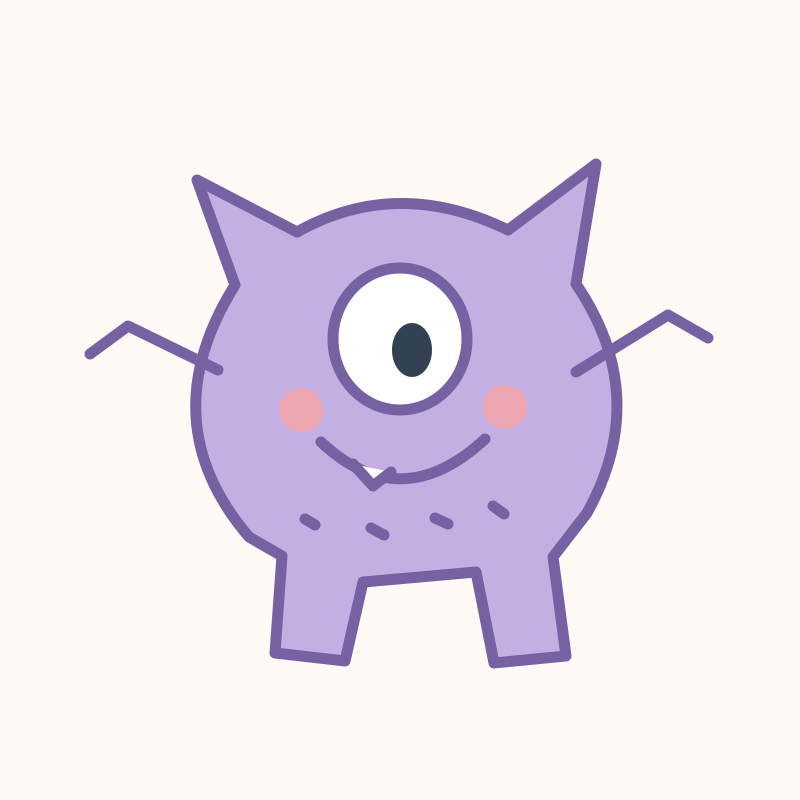
To animate a child’s drawing, choose the original sketch or a transformed image, select one simple movement and review the studio’s credit charge. Generate the eight-second video, watch it when the task finishes and download it for your family. The drawing animation tool lets you start with a new upload or a saved drawing.
Should I animate the original or a transformed image?
Use the original when you want the hand-drawn appearance to guide the video. Use a transformed image when you want its realistic, cartoon or plush-style look to guide the animation. Open a saved project in My drawings and select the source version before generating.
If you need to prepare a photo first, follow the drawing preparation guide. You can also start with a sample drawing.
What motion should I choose?
Start with gentle movement, a wave, a small dance or a short walk. One clear action asks less of the character than several actions in a changing scene. Unusual limbs or proportions can affect the result; AI may still alter details.
- Choose the drawing or image version to animate.
- Select a supported motion in the studio.
- Review the current charge and available balance.
- Generate, then wait for the task to complete.
- Watch the result and download the video.
How many credits does the animation use?
Check the charge in the studio immediately before you generate. An eight-second 480P animation uses 25 credits. Choose 1–15 seconds; the charge is seconds × 25 ÷ 8 rounded up. Image and video generations spend the same balance. See current pricing and the credit calculation guide.
A technical failure follows the automatic credit-reversal flow. A completed video you want to change is a new generation when you submit another variation.
How do I save or share the result?
Open the completed video in My drawings to watch or download it. The task remains associated with your account if you close the page; reopen the drawing to check its status. You can create a sharing link for family and revoke it later. Download important results for your own backup.
Open the animation studio when you are ready to try one simple motion.